
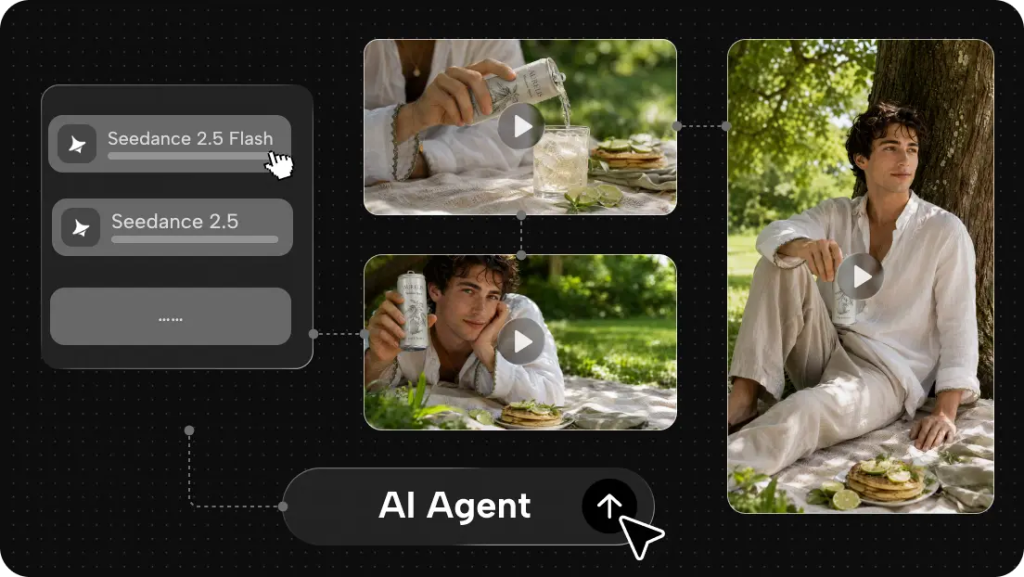
How people are using AI in the creative process is evolving, as more AI is embedded into everyday creative projects. A myriad of short content for marketing campaigns or longer fantasy-driven narratives can be generated more independently of shooting or filming, thanks to the tools that make the creative process easier and more accessible, like Dreamina. It helps to open up the creative process with a simple prompt, which is then used to generate any scene, characters, camera angles, and sounds using generative models like Seedance 2.5 Flash or Seedance 2.5, which can be used to support beginners, solo creators, or companies creating interesting visual content.
Video Production is Moving to a More Flexible Place
Once, to make a video, you first had to find a location, set up the camera and other gear, take the shots, and then spend time in post-production to make the final cut. Doing so can be helpful, but it isn’t the only way to create visuals. AI video generation can give people a new approach. Rather than conjuring a visual image from nothing, they simply tell the system what they want to see and upload one or more inputs to guide the output. This can be a helpful way to pilot a variety of concepts before making a full video or test out unconventional or costly scenes that would be tricky to capture in reality.
What You Need to Know About Seedance 2.5 Flash
Seedance 2.5 Flash is aimed at a quicker way to generate videos. It will be appealing to users who are looking to try things out and to create without every test taking an age. Say, for instance, an artist or content creator wants to experiment with multiple visual approaches for a new social media campaign. Flash could be used to churn out different options that can be assessed prior to selecting the ultimate direction. The more lightweight nature of the tool will make it suitable for frequent creative experiments, quick commercials, and everyday videos.
Converting Ideas into Video Scenes
Text-to-video generation enables users to generate dynamic videos from simple text prompts. The user provides a prompt that includes a scene description, narrative context, and scene context. They describe what the scene is about, what is happening, and the setting within the prompt – such as, “generate a cinematic scene of a small boat traveling over a calm lake in the morning, with soft sunlight, light fog, and slow camera movement.” Providing additional scene context and scene narrative context enables users to communicate the intended mood of a scene and gives the model more creative direction to interpret.
Giving Static Pictures a New Appearance
Not every photo needs to stay in a static form. With the help of AI video generation, an image can be made to come alive, and new ways can be used to showcase visual content. For example, a video creator may be asked to add flowing clouds and passing cars with a slow zoom of the camera to an uploaded photo of the city skyline. A product designer may produce a short online-store promo from a user-uploaded product image.
Standard Seedance 2.5 Explained
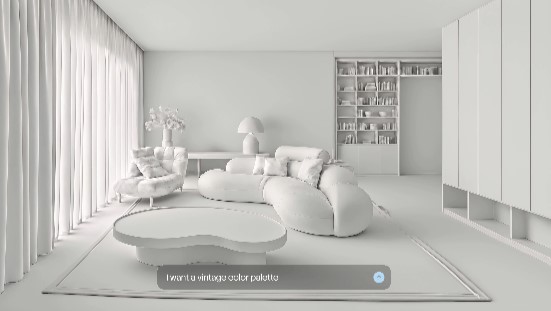
Seedance 2.5 is a top pick for projects where the creative process needs more room. Seedance 2.5 is not only more reference than a standard Seedance, but also has more high-res seeds, giving the user more descriptive detail. For example, a user working on a fake scene to sit in might want to keep a character’s back the same, use a specific camera style, and throw in a few locations. References will make it simpler to guide a project.
Developing Narratives Featuring Various Characters
People feature prominently in much of the content that creatives produce. The way characters look, move, and change their expressions are all common ways they communicate the video’s message. Artificial intelligence models can generate content of things like people (real and virtual), animals, and more, from text and visual references. You could imagine a creator describing a hiker journeying through a mountain village or an animated character emerging from a secret garden. For projects with multiple scenes, references can be supplied to help the character stay consistent, but it may take some trial and error.
Final Thoughts
Seedance 2.5 Flash and Seedance 2.5 offer different variations for generating videos using artificial intelligence. While both versions are capable of supporting creating videos via text, animating images, generating audio, and editing videos, Flash is faster for experimenting and creating more standard content, whereas the general model is better for videos where more references and higher-resolution selections are needed. To try out Seedance and learn how to craft good prompts and references, you can expand your ideas visually and come up with business, education, entertainment, and social-media content.
Frequently Asked Questions
Can I Add More Scenes to an Existing Video?
Yes. Video extension is a feature that lets users extend the original video to form other extra parts of a video.
How Can I Get More Consistent Results?
Use precise instructions, supply reference images, denote character depictions, and scrutinize each created scene.